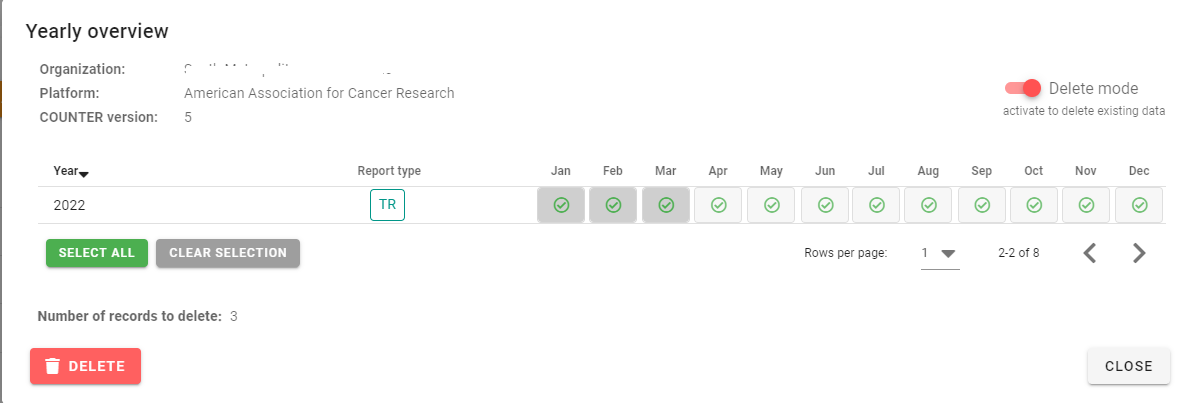
To delete data for specific months only, go to SUSHI Management in the left side bar, choose the platform you want to delete the data for and click on "Overview"

Click on "Delete mode", click on the months you want to delete and confirm by clicking on the "Delete" button. Done!
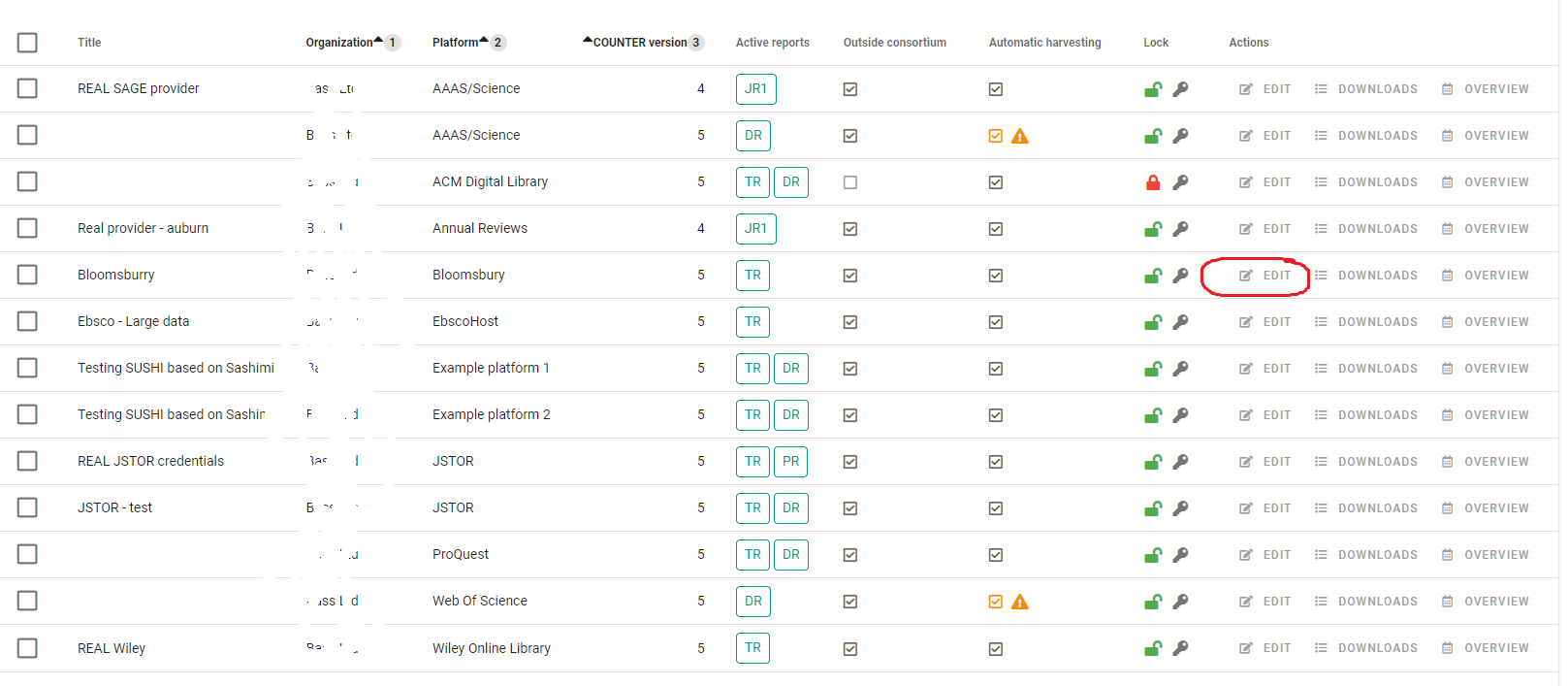
To delete SUSHI credentials, choose a platform from the list of platforms under "SUSHI Management" and click on "Edit" under "Actions"
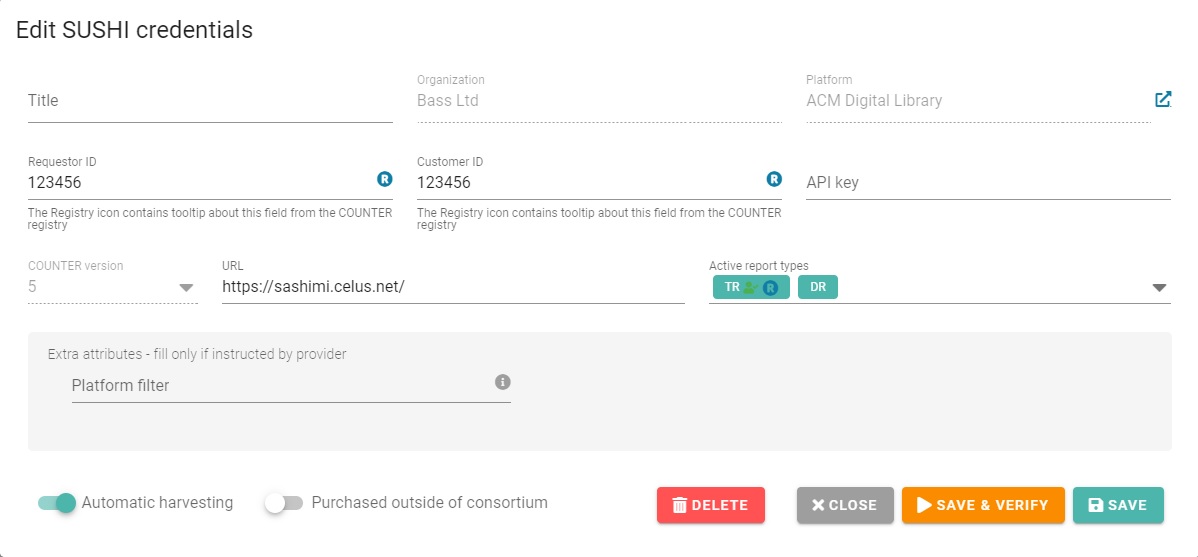
A SUSHI credentials dialog will open. Click on the "Delete" button and confirm whether you want to delete only credentials or credentials + data.
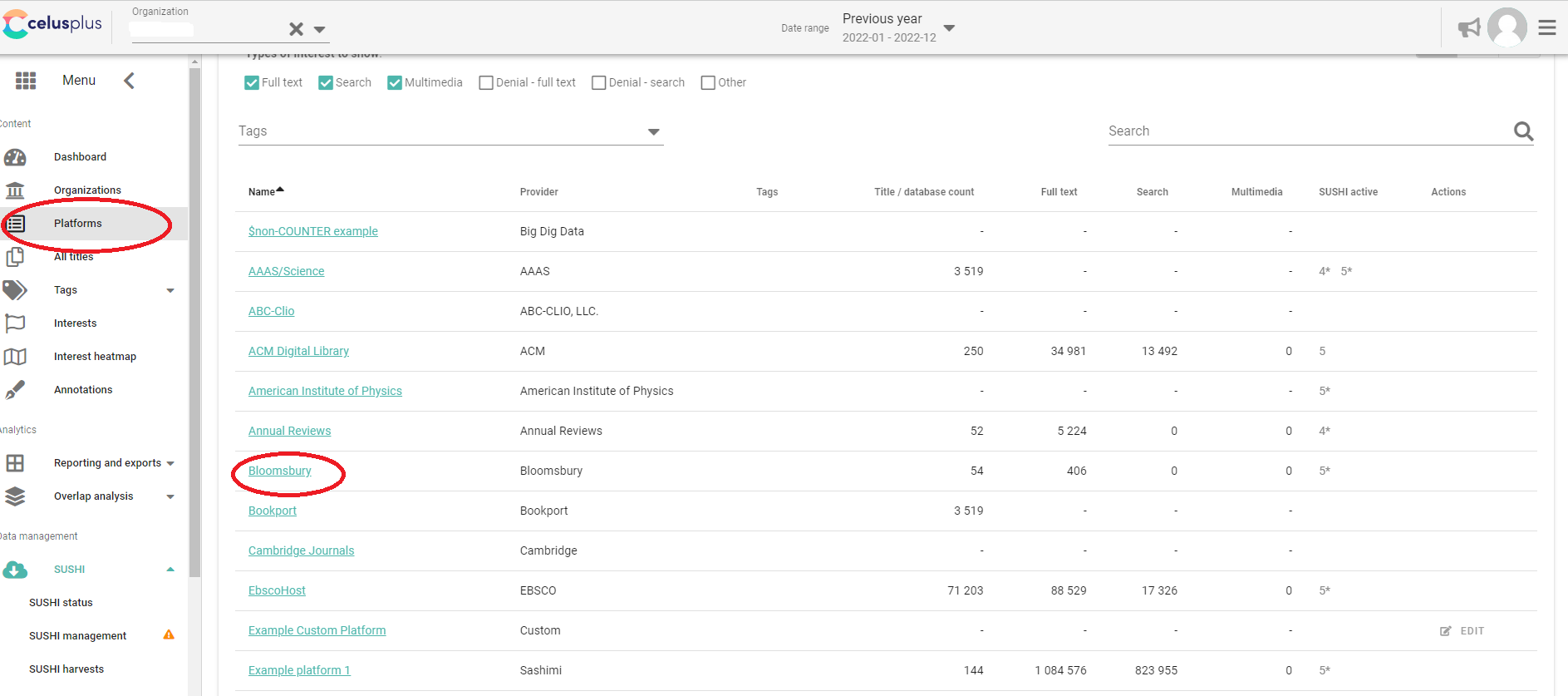
Choose the platform you want to delete data from in the list of Platforms
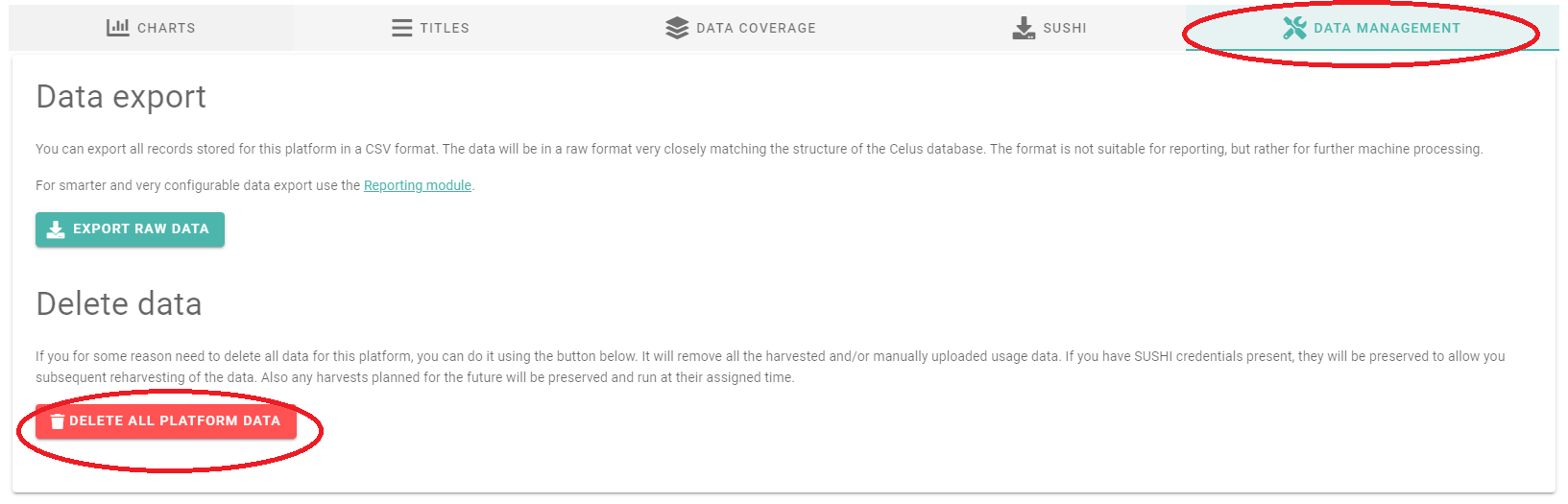
Go to the "Data management" tab and click on the "DELETE ALL PLATFORM DATA" button
In the following dialog, choose what you want to delete
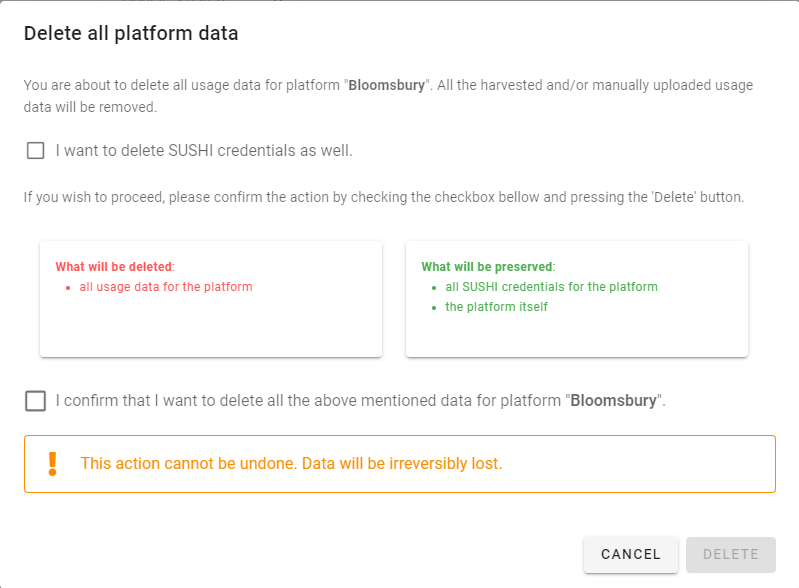
Confirm the action by ticking the box and clicking on "DELETE". Note that ALL platform data means also any manually uploaded data. This action cannot be undone!
Note: Only custom platforms can be deleted completely. The official platforms itself will always be preserved, as they are an integral part of CELUS. However, if you delete all your data including SUSHI credentials from an official platform, it will no longer be listed in your account.