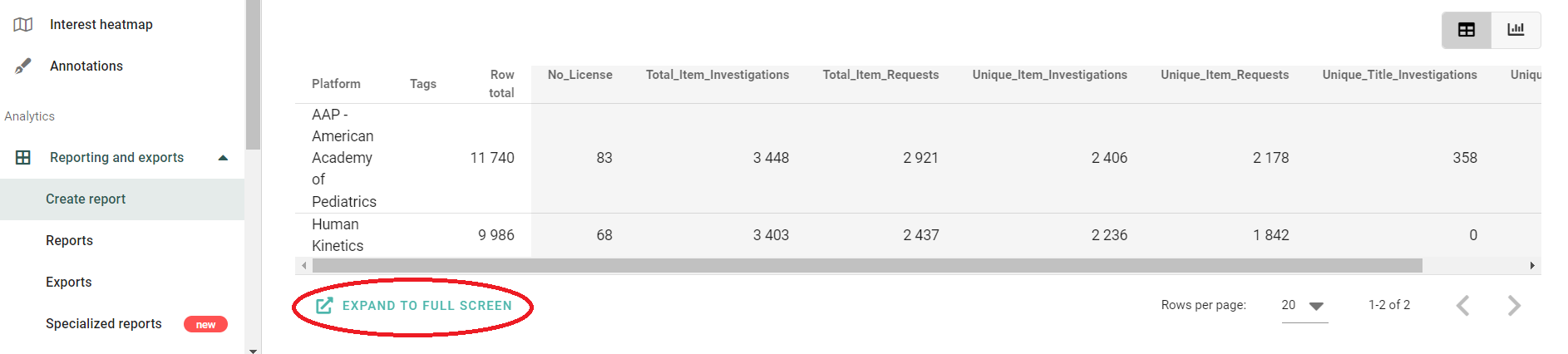
Yes, it is! Simply scroll down under your report in the "Create report" mode and click on "Expand to full screen":
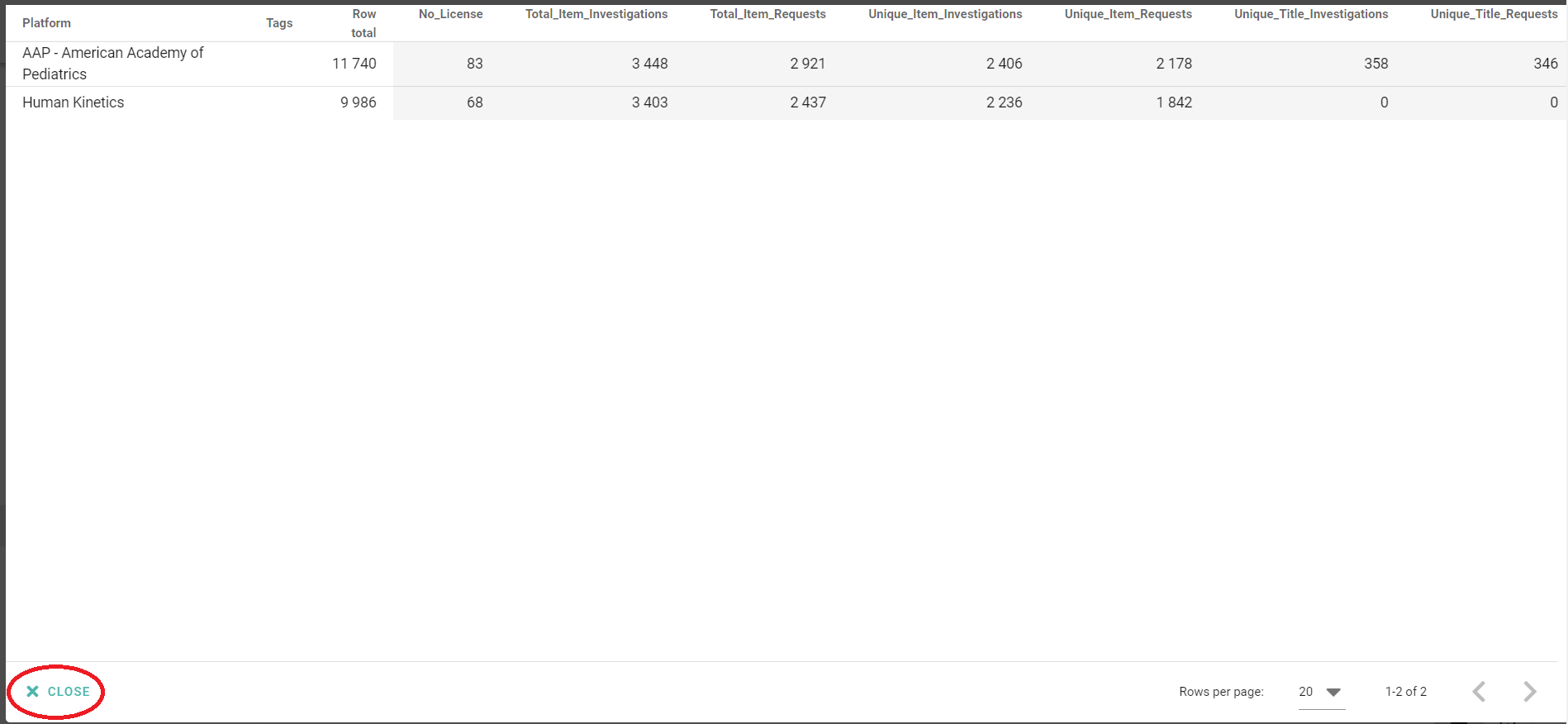
Now you can see your report on full screen. To go back, click on the "Close" icon in the lower left corner: