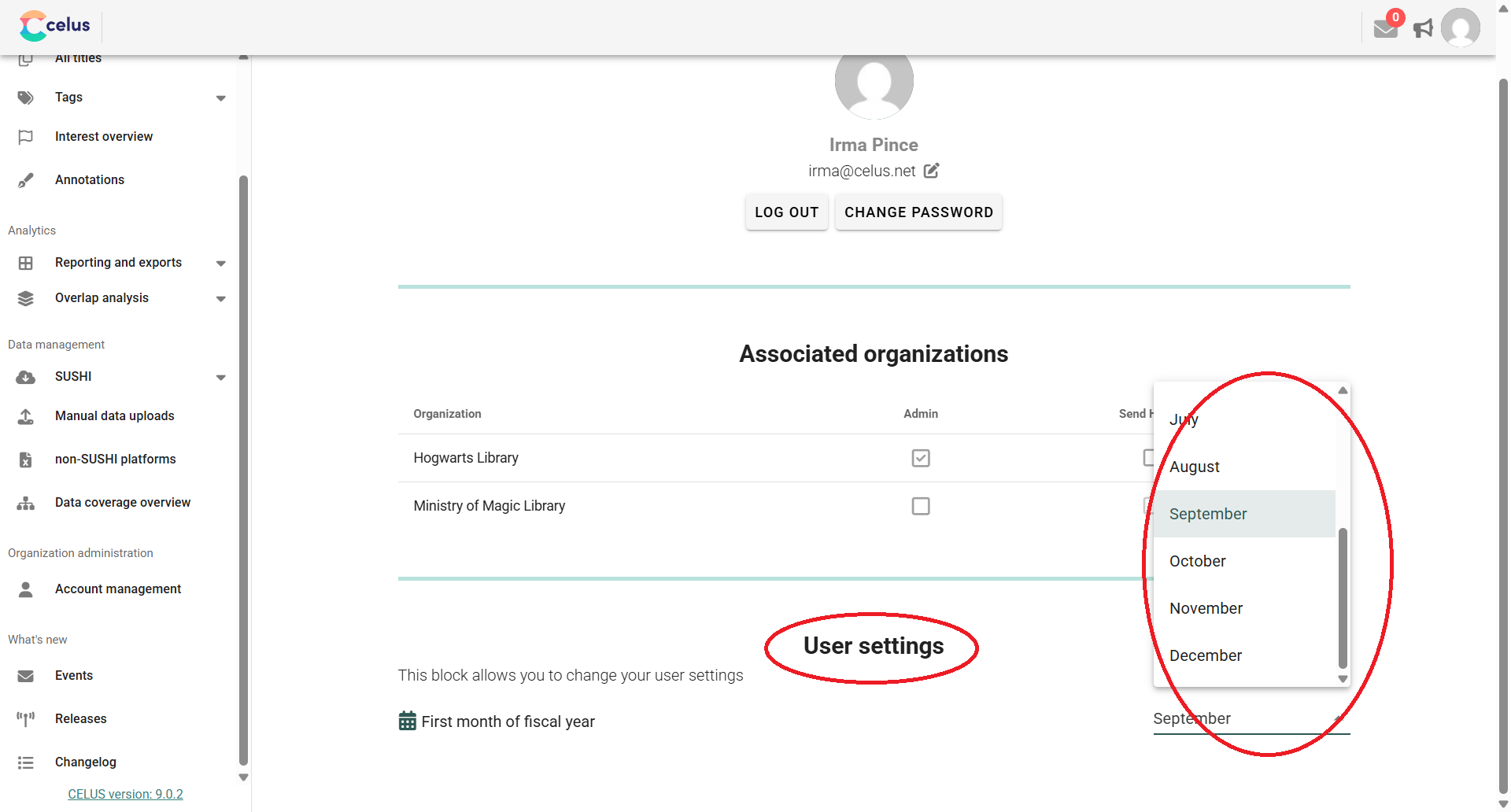
This article guides you through your CELUS User Account settings, where you can personalize your profile, configure specific preferences, and view your organizational roles.
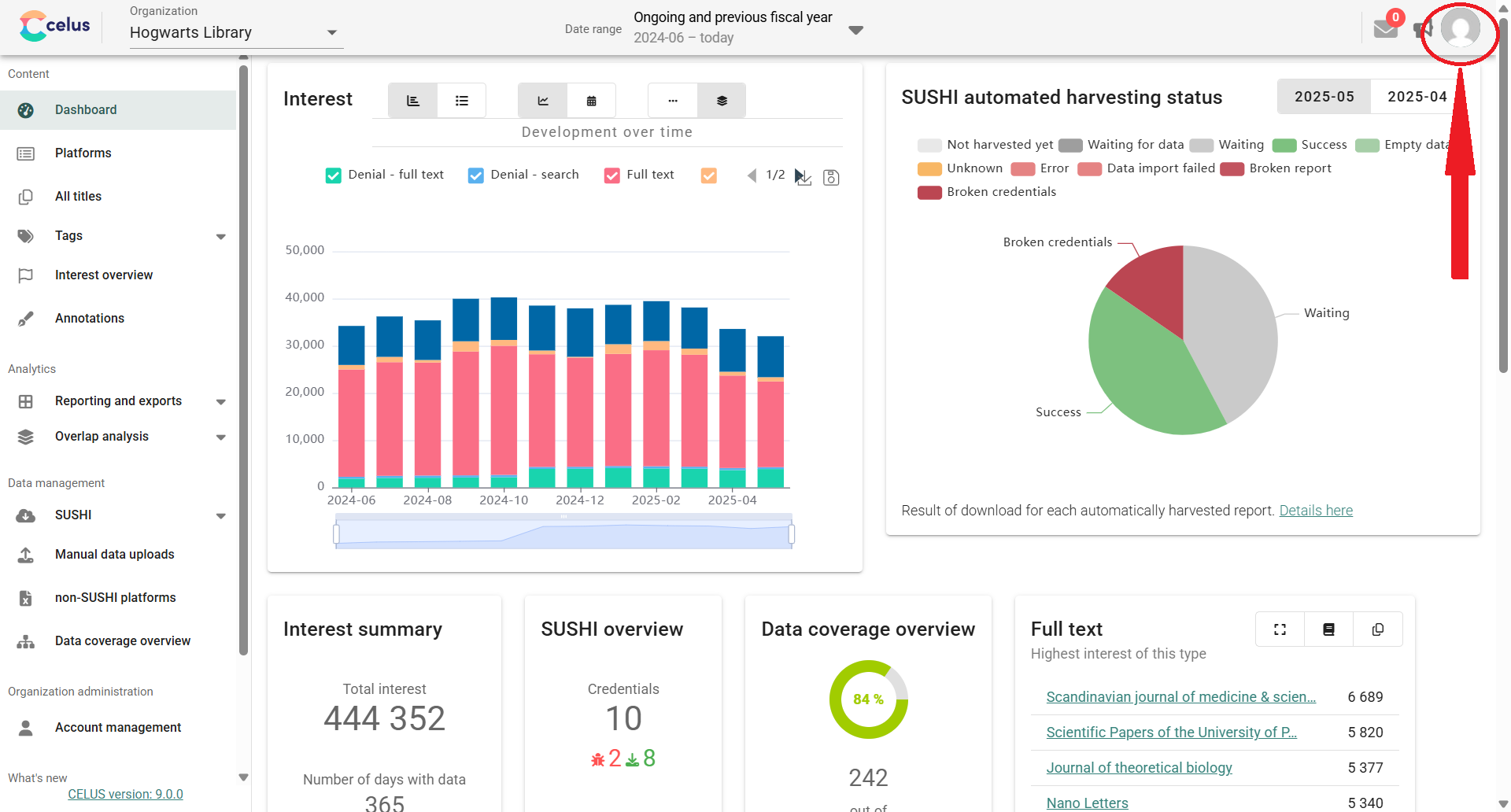
To access your personal settings, click on the person icon located in the upper right corner of the CELUS interface:
2. Changing your personal data
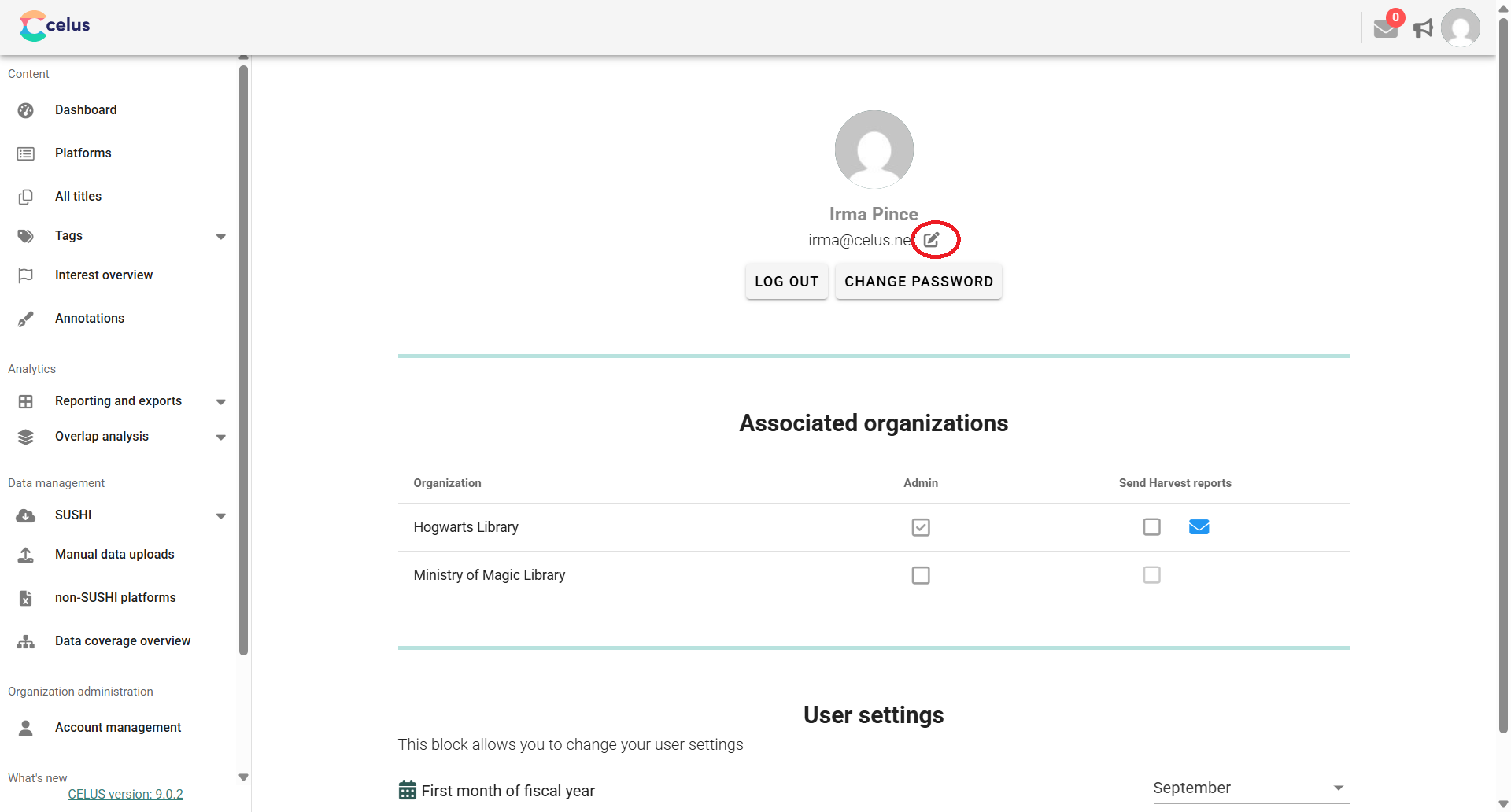
You can change your e-mail address, first name and last name by clicking at the pencil icon next to your e-mail address:
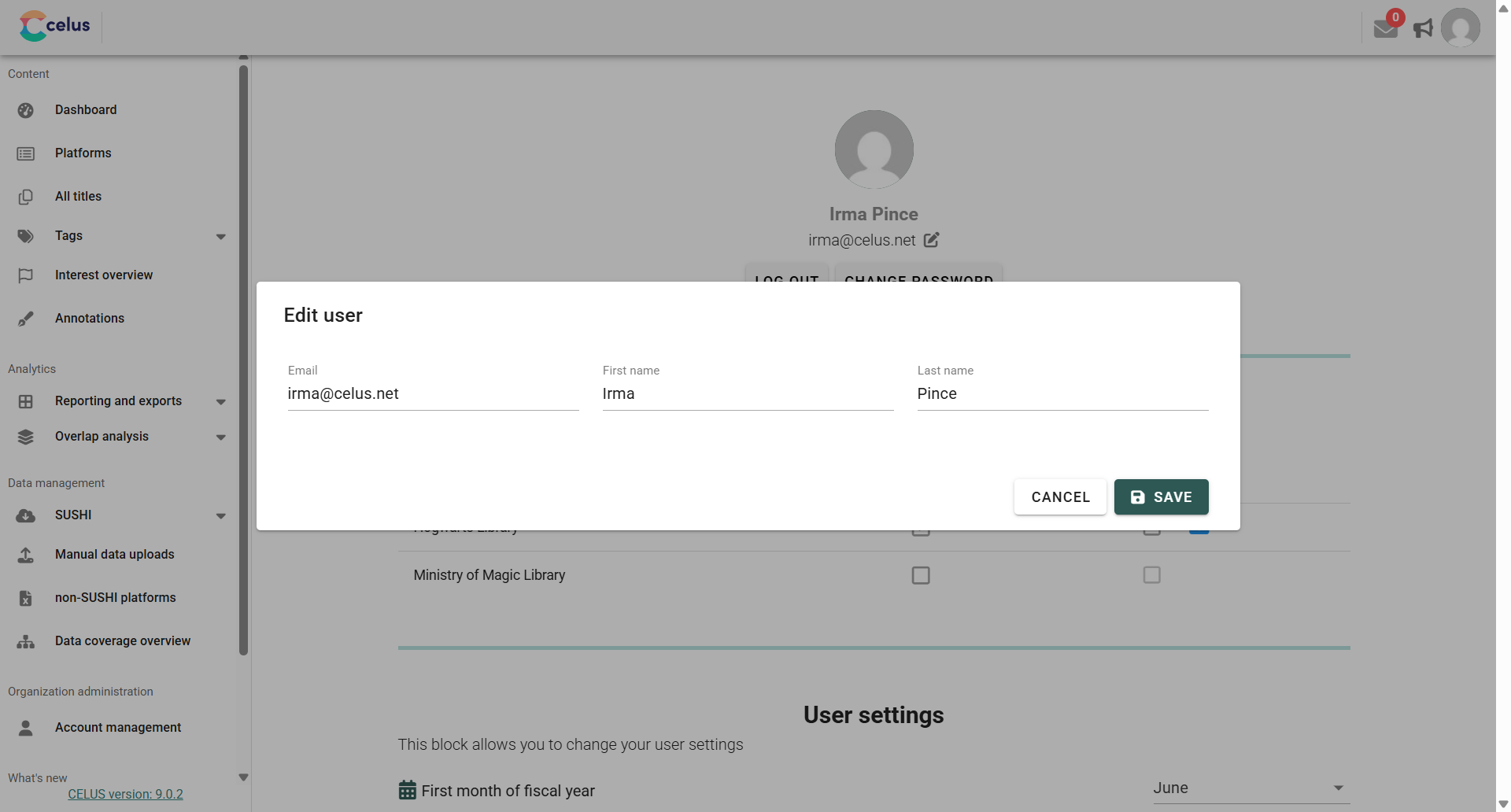
In the Edit user dialog, change the values you want to and click on "SAVE":
3. Changing your password
You can change your user account password by clicking the "Change password" button under your e-mail address.
This section provides information about your association with organizations in CELUS:
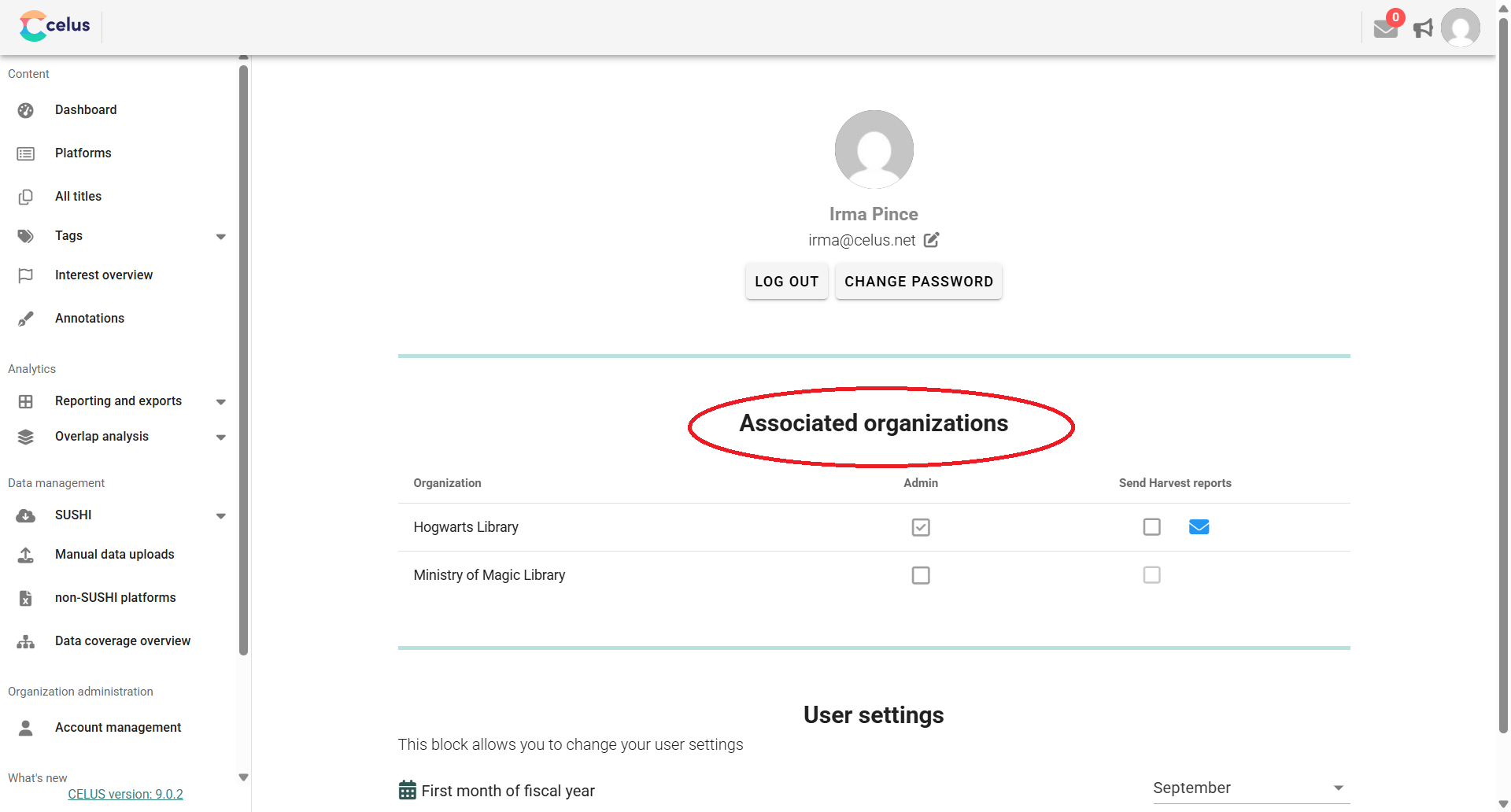
Configure CELUS to send you automated overviews of your SUSHI harvesting activities.
First Month of Fiscal Year: Here, you can specify the starting month for your organization's fiscal year. This ensures that reports utilizing the "Fiscal period" option (e.g., quarterly, half-yearly, annually) align with your financial cycles.
How to Set: