Release 6 of CELUS brings the possibility to set up a fiscal year in your account and work only with applicable data. There are two ways to set up a fiscal year.
Option 1:
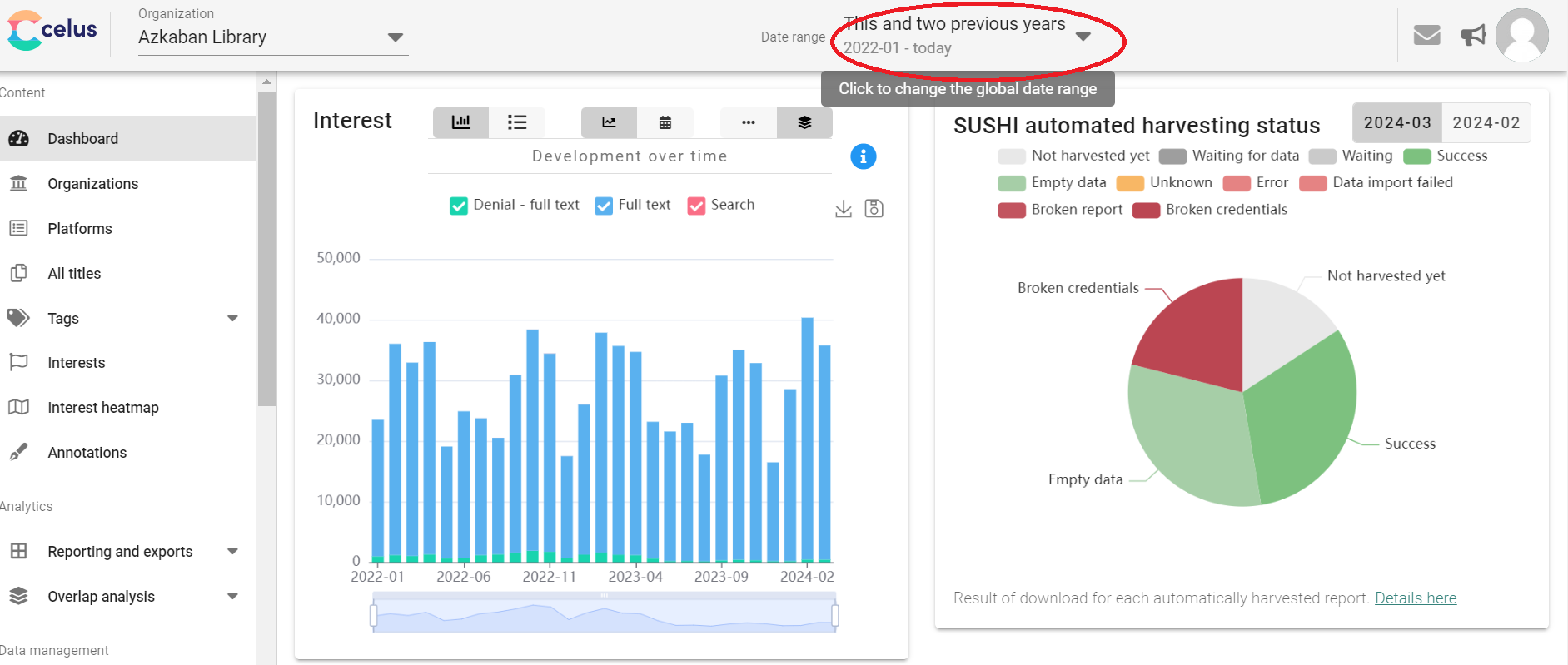
To set up a fiscal year, navigate to the "Date range" tile in the upper bar of CELUS:
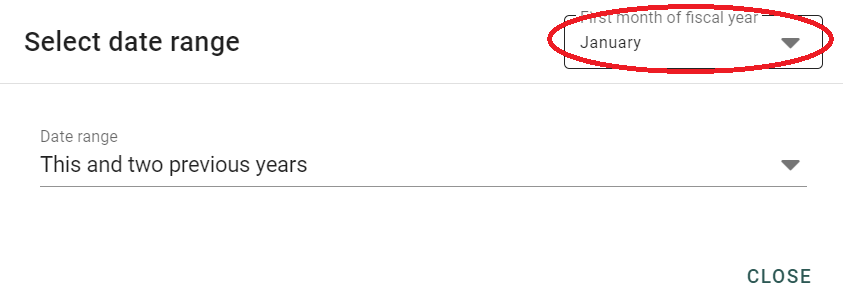
Select the first month of your fiscal year from the drop-down menu:
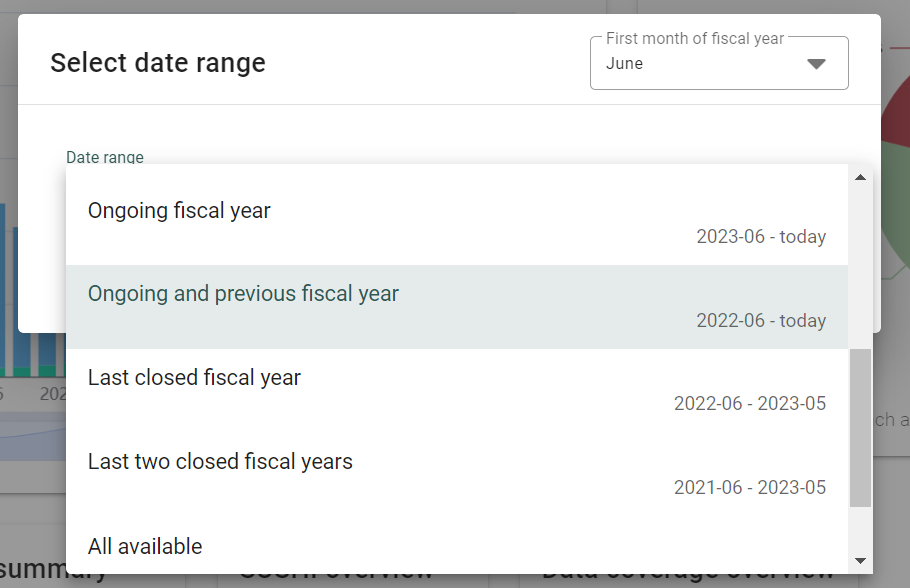
Now choose the option that suits your needs - Ongoing fiscal year, Ongoing and previous fiscal year, etc.
Option 2:
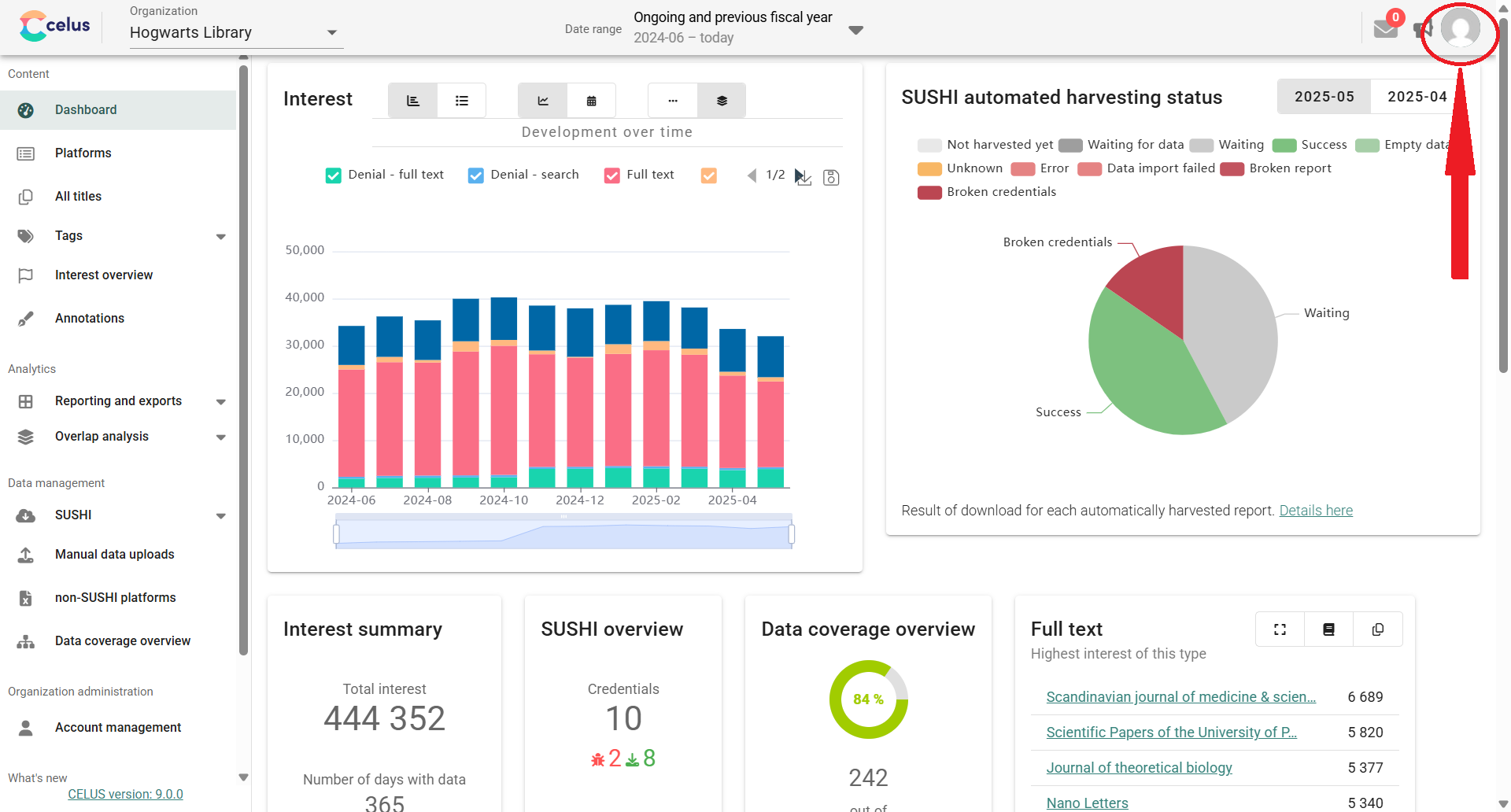
Navigate to your user profile in the upper right corner:
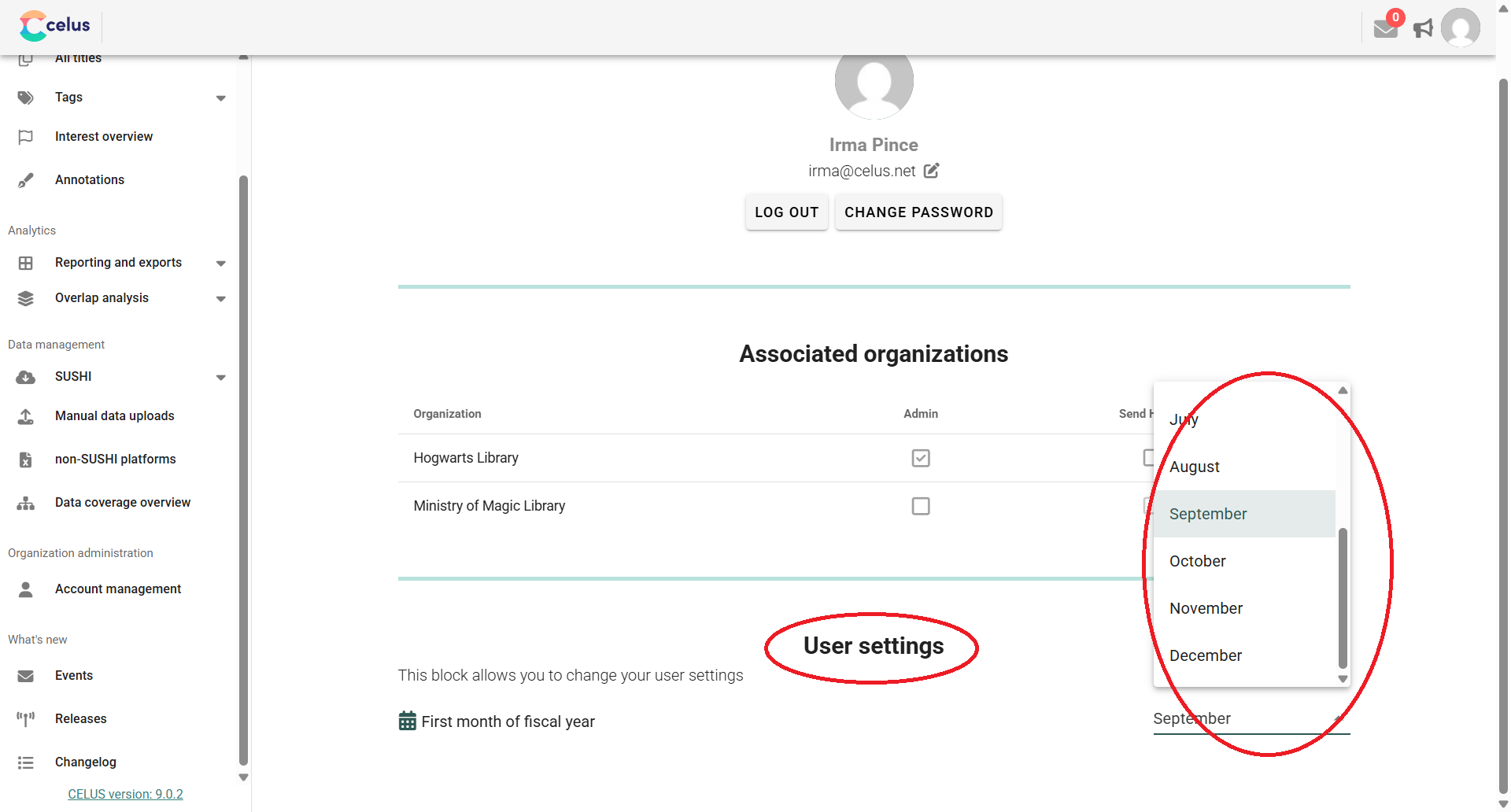
Find the User Settings section and choose the first month of your fiscal year in the dropdown menu: