To learn when and why to upload COUNTER reports manually, please read this article.
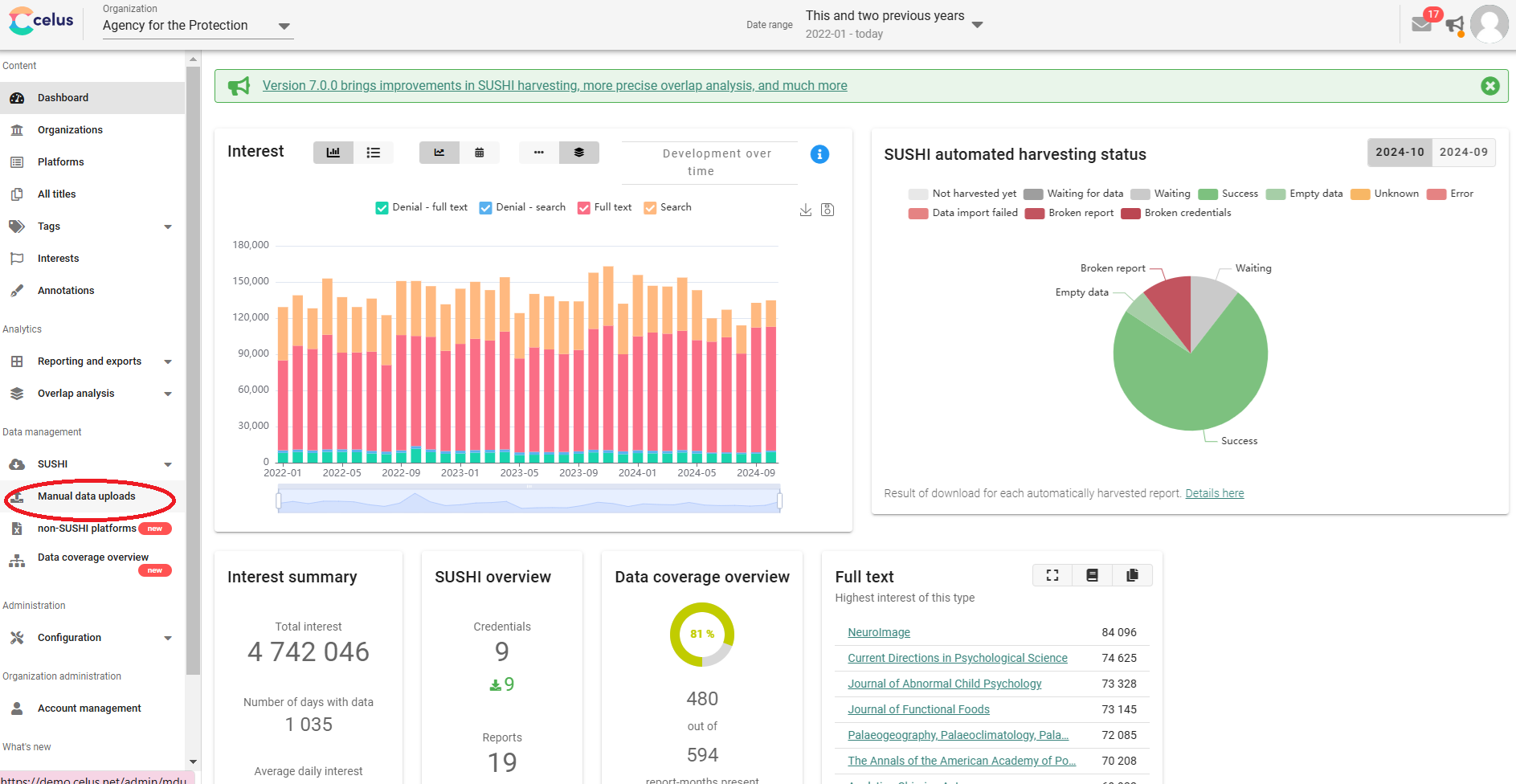
1. In the left sidebar menu, click on "Manual Data Uploads":
2. Click on the "Upload data" button:
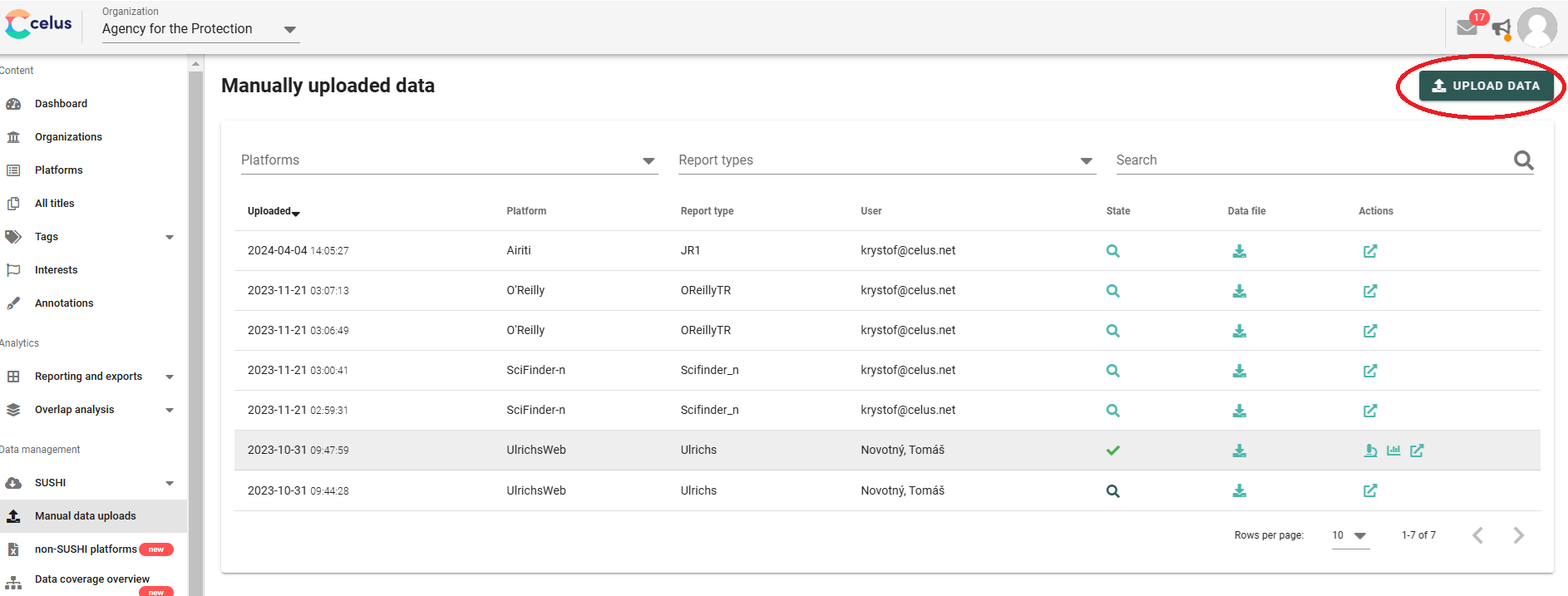
3. Select your platform from the offered list. (If your desired platform is not available, please contact us at support@CELUS.net).
4. In the "Select method" step, leave the default option clicked (COUNTER):
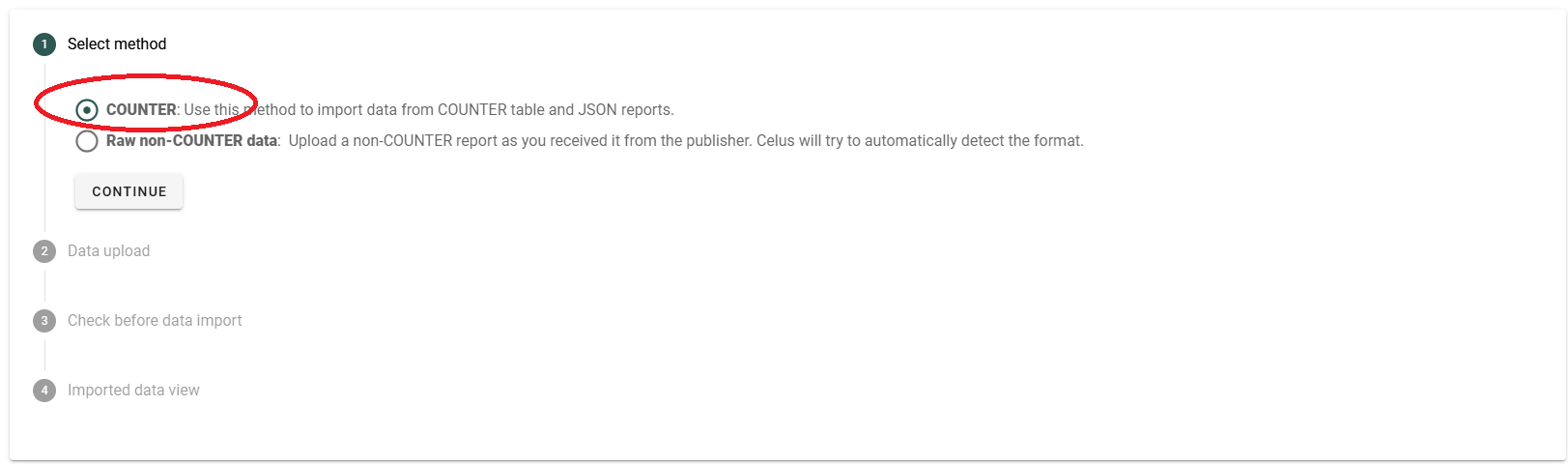
5. Click on "Continue" and follow the steps.
If your upload fails, please review the error message displayed. This message often provides valuable insight into what went wrong. The most common issues include:
You can find the correct formats for individual COUNTER reports here.
If the issue persists despite following these guidelines, feel free to reach out to us at ask@CELUS.net. We’re here to help!